15 Best CRM Software for Small Businesses in 2026 (Compared & Reviewed)

Best CRM Software for Small Businesses in 2026 (Compared & Reviewed)
Managing customer relationships is one of the biggest challenges small businesses face as they grow. Leads come from different channels, follow-ups get delayed, and important conversations can easily slip through the cracks.
Customer Relationship Management (CRM) software solves these problems by helping businesses organize contacts, track sales opportunities, automate repetitive tasks, and improve customer communication.
Whether you’re a freelancer, agency owner, consultant, online retailer, or local business, the right CRM can help you close more deals while saving valuable time.
In this guide, we’ll compare the best CRM software for small businesses in 2026 based on features, ease of use, pricing, scalability, and overall value.
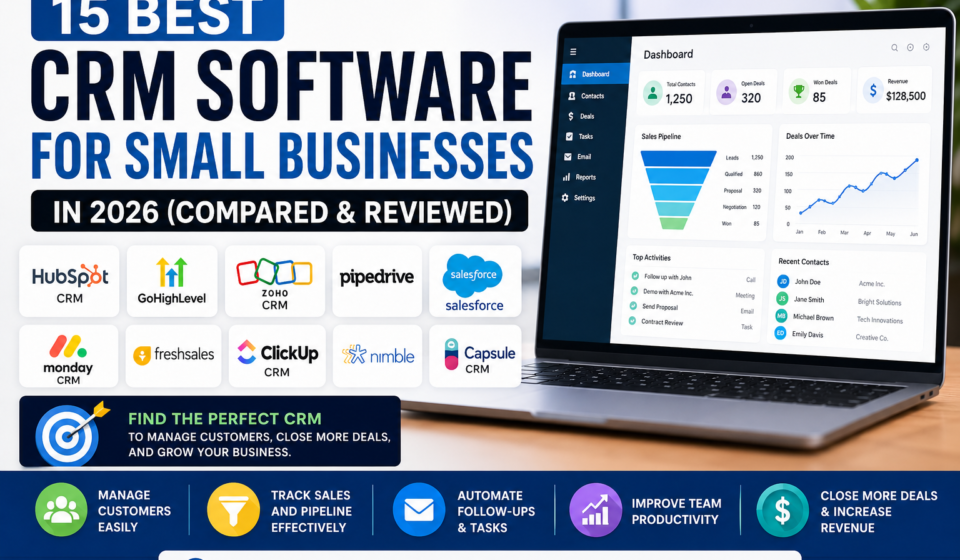
Quick Comparison Table
|
CRM |
Best For |
Free Plan |
Ideal Business Size |
|
HubSpot CRM |
Beginners |
✅ |
Small to Medium |
|
GoHighLevel |
Marketing Agencies |
Trial |
Agencies |
|
Zoho CRM |
Growing Businesses |
✅ |
Small to Large |
|
Pipedrive |
Sales Teams |
Trial |
Small Business |
|
Salesforce |
Enterprise Growth |
Trial |
Medium to Large |
|
Monday CRM |
Team Collaboration |
Trial |
Small Teams |
|
Freshsales |
Automation |
Trial |
Growing Businesses |
|
ClickUp CRM |
Project + CRM |
Trial |
Teams |
|
Nimble |
Relationship Building |
Trial |
Entrepreneurs |
|
Capsule CRM |
Simplicity |
Trial |
Small Business |
Why Your Business Needs a CRM
Many businesses begin by managing customers with spreadsheets or handwritten notes. While this may work initially, it becomes difficult as your customer base grows.
A CRM can help you:
- Store customer information in one place
- Track leads through the sales pipeline
- Schedule follow-ups
- Automate repetitive tasks
- Improve customer service
- Monitor team performance
- Generate reports that support better business decisions
How We Chose the Best CRM Software
To ensure this guide is practical and useful, we evaluated each CRM using the following criteria:
- Ease of use
- Features
- Pricing and value
- Customer support
- Automation capabilities
- Integration with other tools
- Scalability for growing businesses
1. HubSpot CRM
Best Overall CRM for Small Businesses
HubSpot CRM is one of the most popular CRM platforms available today because it combines a generous free plan with a clean interface and powerful automation features.
Key Features
- Contact management
- Email tracking
- Sales pipeline
- Meeting scheduler
- Live chat
- Reporting dashboards
Pros
✔ Free plan available
✔ Easy to learn
✔ Excellent reporting
✔ Integrates with many business tools
Cons
✘ Some advanced features require paid plans.
Recommended For: Small businesses looking for an easy-to-use CRM that can grow with them.
Start Free with HubSpot
2. GoHighLevel
Best CRM for Marketing Agencies
GoHighLevel combines CRM functionality with marketing automation, funnel building, email marketing, SMS campaigns, appointment scheduling, and reputation management.
It’s especially useful for agencies managing multiple clients.
Pros
- All-in-one platform
- Marketing automation
- Sales funnels
- Appointment booking
- White-label options
Cons
- More features mean a steeper learning curve.
Try GoHighLevel
3. Zoho CRM
Zoho CRM offers a wide range of automation features, customizable workflows, and integrations, making it a good fit for businesses planning to scale.
4. Pipedrive
Designed with sales teams in mind, Pipedrive emphasizes visual sales pipelines and deal tracking.
5. Salesforce
Salesforce is a comprehensive CRM platform suited to larger organizations or businesses with more complex requirements.
CRM Comparison Table
|
Feature |
HubSpot |
GoHighLevel |
Zoho |
Pipedrive |
|
Free Plan |
✅ |
❌ |
✅ |
❌ |
|
Automation |
⭐⭐⭐⭐ |
⭐⭐⭐⭐⭐ |
⭐⭐⭐⭐ |
⭐⭐⭐ |
|
Ease of Use |
⭐⭐⭐⭐⭐ |
⭐⭐⭐ |
⭐⭐⭐⭐ |
⭐⭐⭐⭐⭐ |
|
Reporting |
⭐⭐⭐⭐⭐ |
⭐⭐⭐⭐ |
⭐⭐⭐⭐ |
⭐⭐⭐⭐ |
|
Marketing Tools |
⭐⭐⭐⭐ |
⭐⭐⭐⭐⭐ |
⭐⭐⭐ |
⭐⭐ |
Which CRM Should You Choose?
The best CRM depends on your business goals.
- New businesses: HubSpot CRM
- Marketing agencies: GoHighLevel
- Growing companies: Zoho CRM
- Sales-focused teams: Pipedrive
- Larger organizations: Salesforce
Choosing a CRM that fits your current needs while allowing room for growth can save time and reduce the need to migrate data later.
Frequently Asked Questions
What is CRM software?
CRM software helps businesses manage customer relationships, track leads, organize sales activities, and automate communication.
Is a CRM necessary for a small business?
Not every small business needs one immediately, but a CRM often becomes valuable as customer interactions and sales opportunities increase.
Are there free CRM options?
Yes. Several providers, including HubSpot and Zoho CRM, offer free plans with core features suitable for many small businesses.
Can a CRM improve sales?
A CRM can help teams stay organized, follow up consistently, and analyze sales performance, which may contribute to improved sales processes.
Final Verdict
CRM software can make it easier to organize customer information, streamline follow-ups, and support business growth. Whether you’re just starting out or expanding an established business, selecting a CRM that aligns with your workflow can improve efficiency and customer relationships.
Other Related Posts: